Introduction
A hospital's patient records, a church's baptismal registry, a company's audit trail, a family's only copies of childhood photos — all of it lives on storage media that was never designed to last a human lifetime.
Many organizations discover this the hard way. A drive that seemed fine at year three starts throwing read errors at year seven. A file format everyone used in 2010 won't open on any modern computer. A ransomware attack locks up years of records overnight.
Long-term archival storage isn't the same problem as everyday backup. It requires different media, different habits, and a different mindset. This guide covers today's storage media options, the industry-standard 3-2-1 rule, and how to build—or outsource—an archival strategy that survives the decades it needs to.
Key Takeaways
- Archiving and backup solve different problems: archives preserve inactive records for retrieval, backups enable recovery
- Hard drives fail more often after year five, with annual failure rates climbing as fleets age
- Optical media resists ransomware because WORM discs can't be overwritten once burned
- The 3-2-1 rule (3 copies, 2 media types, 1 offsite) remains the baseline for reliable retention
- Migration every 5-10 years prevents format and hardware obsolescence from erasing your archive
What Is Long-Term Data Archiving?
Data archiving is the systematic preservation of inactive data for retention or compliance purposes. Unlike files you access weekly, archived records sit untouched for years, sometimes decades, waiting for an audit, legal hold, or discovery request.
That's a different job than backup. A backup exists to recover data you might lose tomorrow. An archive exists to keep data searchable and intact for the long haul.
| Aspect | Backup | Archive |
|---|---|---|
| Purpose | Recovery after data loss | Long-term retention & retrieval |
| Access frequency | Regular, ongoing | Rare, on-demand |
| Change frequency | Constantly updated | Set once, rarely touched |
Certain industries face legal retention clocks that make this distinction non-negotiable. Consider what's actually required:
- Healthcare: HIPAA-related documentation must be kept for 6 years from creation or last effective date
- Financial services: SEC rules call for 7-year audit workpaper retention; FINRA defaults to 6 years for most records
- Legal: Client account records typically require 5-year retention after representation ends
- Education: Federal Student Aid records need 3 years minimum from the end of the award year
Schools, hospitals, law firms, financial institutions, churches, and corporate compliance departments all need formal archival strategies, not just a folder labeled "old stuff" on a shared drive.
Key Challenges Threatening Long-Term Data Storage
Three forces work against any archive: the media itself, the software that reads it, and the outside world trying to break in.
Media Degradation and Bit Rot
Hard drives don't fail gracefully. Backblaze, which tracks hundreds of thousands of drives in active data centers, reported a 1.57% annual failure rate across nearly 300,000 eligible drives in 2024.
More telling: their 12 TB drives aged 5-8 years saw failure rates climb from about 1% in 2021 to roughly 3% by 2024. That trend matches what most IT teams already see in practice: drives get riskier well past the five-year mark.
There's a quieter threat too: bit rot, or silent data corruption with no warning. A widely cited USENIX field study tracking 1.5 million disks over 41 months found nearly 4,000 drives with checksum mismatches, errors invisible until someone tries to use the file.
Format and Hardware Obsolescence
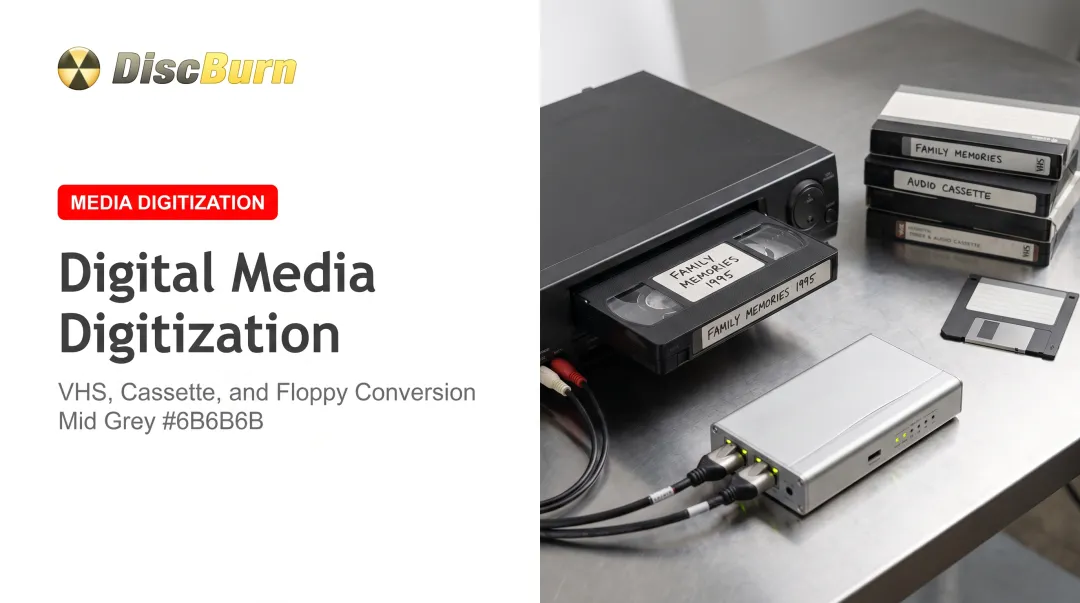
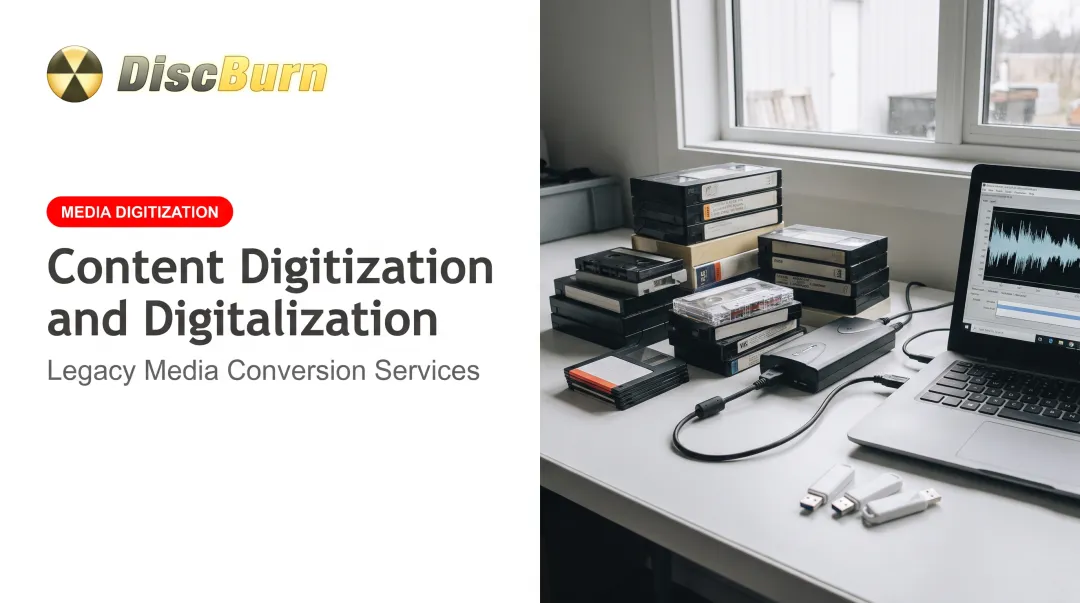
Files saved in software from twenty years ago may be unreadable today. Formats and hardware that already force recovery projects include:
- Floppy disks and Zip drives
- Early proprietary file formats
- Readers and software no longer supported on modern systems
Every storage strategy needs a periodic upgrade path, not a "set it and forget it" mentality.
External Threats
Ransomware remains a top archival risk. Sophos's 2025 survey of 3,400 organizations found that among those hit with encrypted data, 97% eventually recovered it. The average recovery cost, excluding any ransom paid, still hit $1.53 million.
A single copy in a single location is never enough. Physical and site risks compound the problem:
- Fire and flood damage
- Hardware theft
- Full-site outages or disasters
Types of Long-Term Archival Storage Media Compared
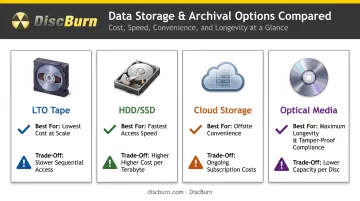
No single format wins on every metric. Here's how the major options stack up:
| Medium | Best For | Trade-Off |
|---|---|---|
| LTO Tape | Massive archives at low cost per TB | Requires compatible drive; manufacturer-rated at ~30 years under strict climate control |
| HDD/SSD | Fast search and access | Higher cost per TB; mechanical/electronic failure risk grows after 5 years |
| Cloud Storage | Offsite convenience, scalability | Recurring fees, retrieval charges, and dependency on the provider staying in business |
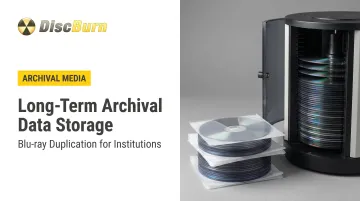
| Optical (CD/DVD/BD/M-Disc) | Tamper-proof, no-power archival | Lower per-disc capacity; write-once format means no editing |
Tape leads on raw economics at enterprise scale. When you need to pull a file up in seconds, HDDs and SSDs are the practical choice. Cloud delivers convenience if you're comfortable with an ongoing bill and someone else holding your data.
Optical media offers something the others can't: once it's written, nobody, not even a hacker with admin credentials, can quietly alter it.
Quick decision framework:
- Lowest cost at massive scale → Tape
- Fastest, most frequent access → HDD/SSD
- Offsite convenience without new hardware → Cloud
- Maximum longevity and tamper-proof compliance → Optical media
Why Optical Discs Are the Gold Standard for Archival Storage
Legal, financial, and healthcare records share one requirement above all others: they can't be quietly altered after the fact. That's exactly what Write-Once-Read-Many (WORM) optical media guarantees.
The WORM Advantage
Once data is burned to a WORM disc, it's physically etched into the media. There's no overwrite command, no accidental deletion, no ransomware payload that can touch it. For compliance archives where auditors need to trust that a record hasn't been modified since the day it was filed, that permanence carries real weight.
M-Disc: Built for the Long Haul
Standard optical media uses organic dye layers that break down under heat, humidity, and UV exposure over time. M-Disc technology replaces that dye with an inorganic, stone-like recording layer, which the format's originators claim can survive 1,000 years or more under proper conditions.
That durability claim rests on resistance to sunlight, humidity, and temperature swings that would degrade a standard CD-R or DVD-R in a fraction of the time.
Independent testing from the Library of Congress and NIST found that ordinary CDs and most DVDs still exceeded 30 modeled years of life under lab conditions, though results varied widely by brand and manufacturing quality. For records you can't afford to lose, that variation is why archival-grade discs beat the cheapest CD-R spindle at the office supply store.
No Power, No Subscription, No Dependency
Here's the part organizations underestimate: once an optical disc is written, it needs nothing else. No electricity, no monthly invoice, no internet connection, no vendor staying solvent. A shelf in a climate-controlled room does the job. Compare that to an HDD array that needs continuous power or a cloud account that stops working the moment a payment fails.
Building an Optical Archive Without In-House Equipment
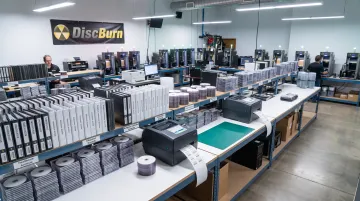
Most healthcare systems, school districts, and churches don't own disc mastering equipment, and they shouldn't need to. This is where a duplication and mastering partner like DiscBurn fits into an archival plan.
DiscBurn, based in Minneapolis, handles CD, DVD, and Blu-ray duplication and replication at volumes ranging from 10 discs to 10 million or more, which covers everything from a small church archiving a decade of sermon recordings to a hospital network digitizing patient education materials at scale. Features that matter for compliance-driven archives include:
- Serialized disc printing for tracking individual units across training or compliance programs
- Blu-ray replication in 25GB and 50GB capacities, with optional AACS protection
- Nine-disc Blu-ray cases and other multi-disc packaging for organizing large collections
- Standard 3-7 business day turnaround, with rush options for time-sensitive projects
DiscBurn has already worked with institutions that need this most, including Ivinson Memorial Hospital, Tonda Elementary, and Oaks Church in Eagan, Minnesota. For these organizations, retrievable, tamper-resistant records aren't optional.
The 3-2-1 Rule: Building a Reliable Archival Strategy
The Cybersecurity and Infrastructure Security Agency (CISA) recommends the 3-2-1 framework, now the industry baseline:
- 3 total copies of your data
- 2 different media types (never all copies on the same format)
- 1 copy stored in a separate physical location
Applying It in Practice
Here’s a practical stack:
- Copy 1: The original working file on your primary server or workstation
- Copy 2: A duplicate on an external HDD, kept onsite for quick recovery
- Copy 3: An optical disc archive, stored offsite or with a trusted third party like a records-management partner
Don't Skip Verification
After creating any copy, check it. Compare file sizes, run a checksum, or open a sample file to confirm the duplication was error-free. A corrupted "backup" nobody tested is worse than no backup—you only learn that when you need the file.
Matching Media to the Job
There isn't one universal answer. Optical media wins for compliance and cold storage where tamper-resistance and decades-long shelf life matter most. HDDs and SSDs win when you need quick, searchable access. For most organizations, the right answer is a hybrid: fast media for daily use, optical media for the permanent record.
Best Practices for Long-Term Data Storage
Media choice only gets you halfway there. How you store and maintain that media determines whether it survives.
Environmental conditions matter more than most people assume. The National Archives recommends 65°F and 30–40% relative humidity for electronic media storage, including tapes, disks, and optical discs. Keep archives away from direct sunlight, dust, and magnetic fields.
Beyond climate control, build these habits into your archival routine:
- Migrate periodically: Refresh data onto current formats every 5–10 years so hardware and software don’t outpace your archive
- Audit on a schedule: Run annual spot-checks to catch media degradation before it turns into data loss
- Document everything: Log write dates, media type, checksums, and retention deadlines for each item
A ten-year-old optical disc sitting in a climate-controlled room, checked annually, will almost always outlast a ten-year-old hard drive that's never been touched.
Frequently Asked Questions
What type of storage is best for archiving?
It depends on your priority. Optical media such as M-Discs offer the best long-term durability and compliance protection. HDDs and SSDs offer faster access, while combining both gives balanced protection.
What is the 3-2-1 rule for archiving?
Keep 3 total copies of your data, stored across 2 different media types, with 1 copy kept in a separate physical location. This protects against media failure, disasters, and cyberattacks hitting all copies at once.
How long do M-Discs actually last?
Manufacturers claim M-Discs can last 1,000 years or more, thanks to an inorganic recording layer that resists UV light, heat, and moisture better than standard dye-based discs. Real-world results depend on storage conditions.
Is cloud storage safe for long-term archiving?
Cloud storage offers convenient offsite access but comes with recurring costs, retrieval fees, and dependency on your provider staying operational. It works best paired with an offline copy, not as your only archive.
What's the difference between data archiving and data backup?
Backups exist to recover data after loss and are updated constantly. Archives preserve inactive data for long-term retention and retrieval, and they're rarely modified once created.
How often should archived data be migrated to new storage media?
Most organizations should review and migrate archived data every 5 to 10 years to stay ahead of hardware failure and file-format obsolescence.