The scale of this problem is bigger than most people realize. The National Archives alone holds 13.5 billion pieces of paper, and it's still adding tens of thousands of cubic feet of analog records every year, according to NARA's own reporting. That's just one federal agency. Multiply that across hospitals, schools, law firms, and small businesses, and the pile gets almost incomprehensible.
The pain points are familiar to anyone who's tried to pull a single file from an overstuffed cabinet:
- Storage costs that climb every year for space that just holds boxes
- Slow retrieval when someone needs a record right now, not next week
- Compliance risk from records that can't be produced quickly during an audit
- Vulnerability to fire, flood, or media decay that can wipe out irreplaceable originals
This guide covers what digitization really means, its actual benefits, the step-by-step process, why digitizing everything isn't always smart, and why physical media still has a job to do even after your files go digital.
Key Takeaways
- Digitization turns paper and legacy media into searchable files, cutting storage needs and search time
- Faster retrieval, tighter security, disaster protection, and compliance readiness are the core gains
- Selective digitization beats digitizing everything — cost, quality control, and format obsolescence all matter
- CDs, DVDs, and USB drives still matter for backup redundancy and secure record distribution
What Is Document and Records Digitization?
Digitization is the process of converting a physical document or piece of media into a digital file. That's it. A paper contract becomes a PDF. A cassette tape becomes an MP3. A photo becomes a JPEG.
The National Archives defines a digitized record more formally: it's a digital record created by converting paper or another medium into digital form, with enough authenticity and integrity to stand in for the original. That definition matters because "close enough" isn't always good enough, especially for legal or regulatory records.
Digitization vs. Digitalization: Don't Mix These Up
People confuse these terms constantly, and it causes real confusion in planning meetings.
- Digitization = converting a physical format into a digital one (scanning a paper file)
- Digitalization = using that digital data to change how a business actually works (building a workflow where approvals happen electronically instead of via paper routing)
Scanning your archive doesn't automatically transform your operations. It just gives you the raw material to do that later, if you choose to.
The Technology Behind It
Three categories of tools handle most digitization work:
- High-speed and production scanners — built for volume, used on large document sets
- Mobile scanning apps — fine for occasional, low-volume capture
- OCR (optical character recognition) — makes scanned text searchable rather than just a static image
OCR isn't mandatory. Federal rules for digitizing permanent records explicitly don't require it, though agencies can add it when there's a business need. It's a useful add-on, not a universal requirement.
Common Types of Records and Media Being Digitized
Not all physical media digitizes the same way:
- Paper documents, contracts, and case files — standard scanner territory
- Photographs, microfiche, and negatives — often need specialized imaging for quality
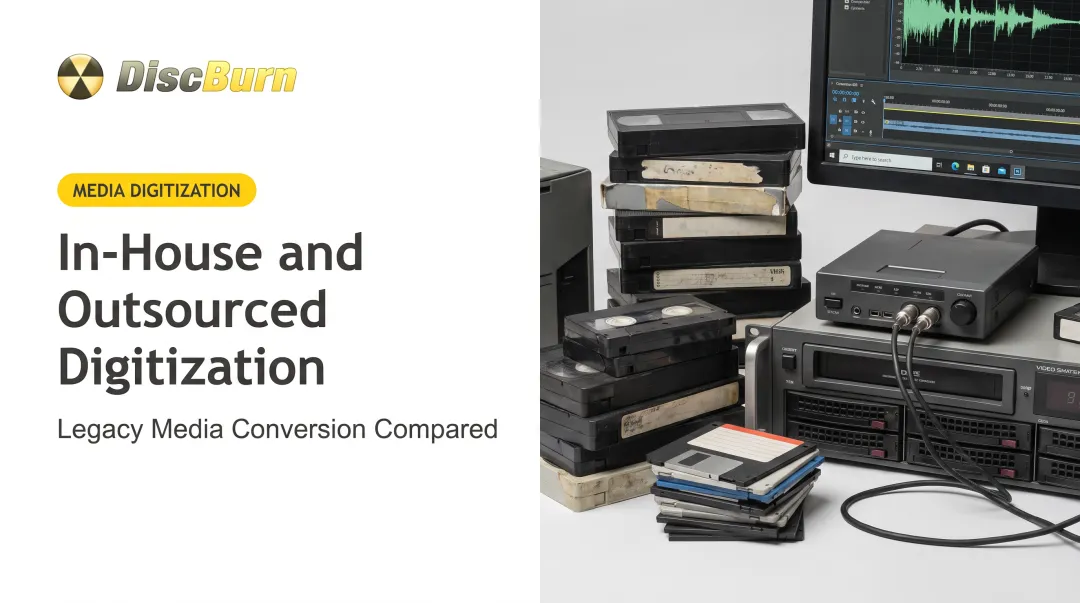
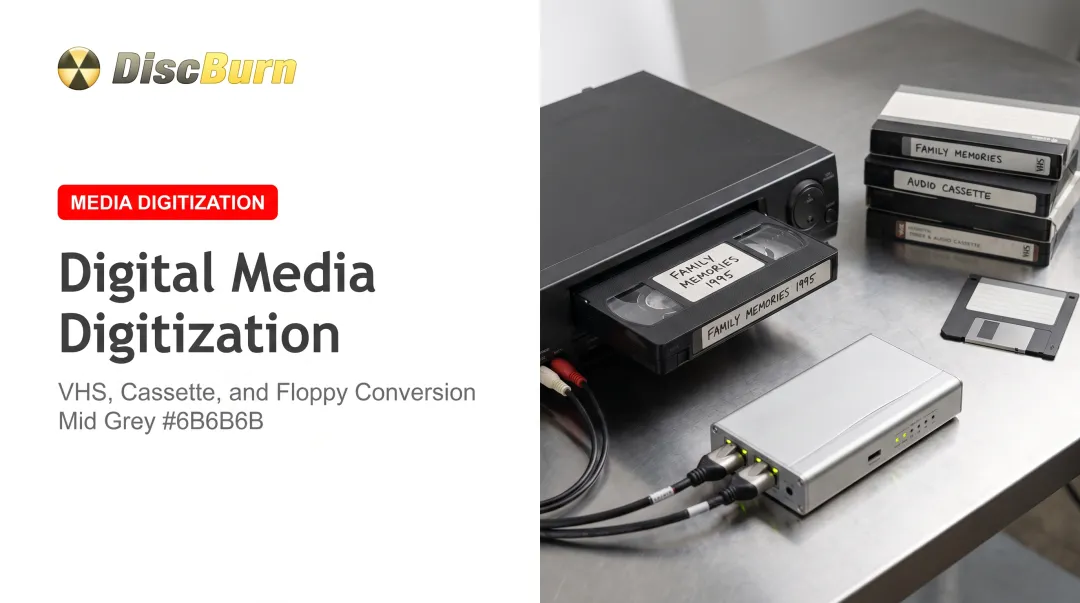
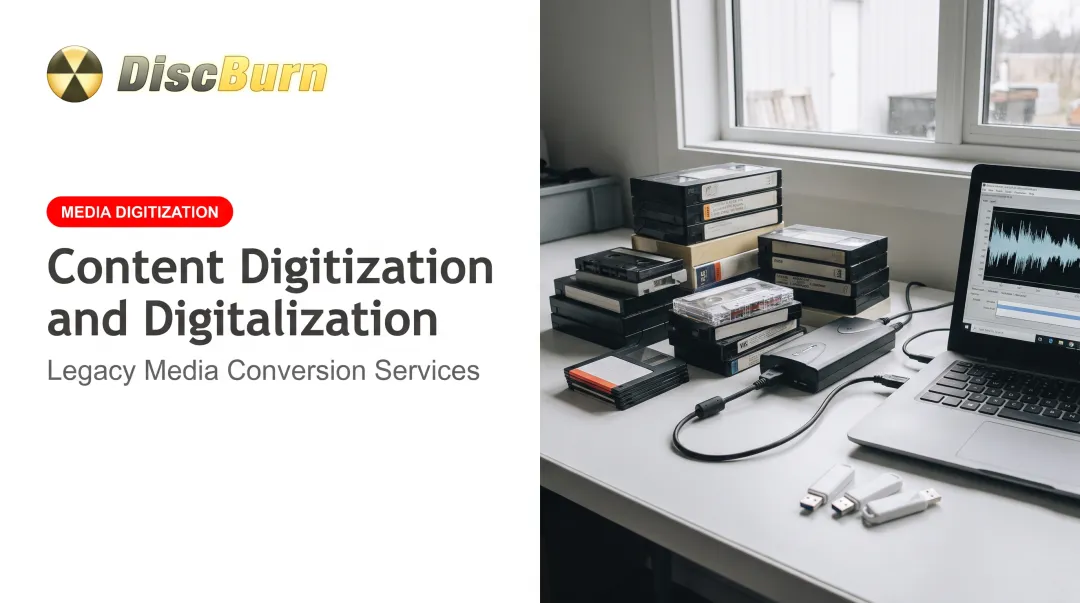
- Audio and video — cassette tapes, VHS, and vinyl records require dedicated conversion equipment, not a document scanner
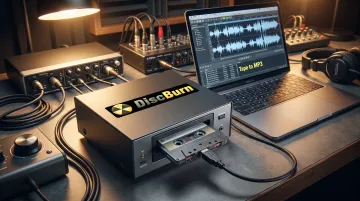
That last category trips people up. A cassette tape needs a cassette-to-USB converter that outputs proper MP3 or WAV audio, not a flatbed scanner. DiscBurn's own cassette converter setup, for example, connects via USB 2.0 and pulls stereo audio at standard playback speed. That's a completely different workflow than digitizing a stack of invoices.
Top Benefits of Digitizing Documents and Records
Once records exist as searchable digital files, the advantages show up fast, and they compound over time.
Faster access and retrieval. Keyword search and metadata filtering replace manually flipping through file cabinets. The SEC has noted plainly that paper and micrographic records can't be accessed remotely. Someone has to travel to where they're stored, which becomes a real bottleneck when regulators require quick access.
Cost savings. Less spending on printing, ink, physical storage space, and the administrative labor of managing paper. How much you save depends on prep work, indexing needs, and how much physical storage you still keep afterward.
Enhanced security. Digital files support:
- Encryption at rest and in transit
- Password protection on sensitive folders and drives
- Role-based access so only the right people open a file
None of that exists for a paper file sitting in an unlocked cabinet.
Disaster recovery. Fire, flood, or a burst pipe can destroy paper and tape permanently. Digital backups stored off-site or in the cloud survive events that would wipe out irreplaceable originals.
Regulatory compliance. Automated retention schedules and audit trails make it far easier to satisfy recordkeeping laws. Under Sarbanes-Oxley, accountants must retain relevant audit records, including electronic ones, for seven years after a review. HIPAA likewise requires technical safeguards such as access controls and audit logs once health information is electronic.
Sustainability. Less paper, ink, and toner consumption. For organizations running large-volume digitization projects, that cut in consumables is a real environmental win.
The Digitization Process: From Physical to Digital
Digitization isn't just "scan and done." A proper project runs through several distinct stages.
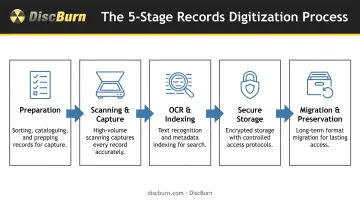
Preparation
Before anything touches a scanner:
- Remove staples, clips, and bindings
- Repair torn or damaged pages
- Organize records by category or date
Skipping this step is how digitization projects balloon in cost. Jammed scanners and misfiled documents cost more time than the prep would have.
Scanning and Capture
Equipment choice depends on volume and quality needs:
- Small contract files: a multifunction printer is often enough
- Decades of patient records: a dedicated production scanner
- Legacy audio and video: format-specific converters (a VHS tape or vinyl record will not go through a document feeder)
OCR and Indexing
OCR extracts text so files become searchable. Metadata tagging classifies records by date, department, or case number. Without this step, you've technically digitized the record, but it is no faster to find than the file cabinet was.
Secure Storage
Digitized files need encrypted, access-controlled storage.
For legally sensitive records, many organizations follow WORM (write once, read many) standards: a non-rewriteable, non-erasable format the SEC recognizes for broker-dealer recordkeeping. Some regulators also accept audit-trail systems that log every creation, modification, and deletion as an alternative to strict WORM.
Migration and Long-Term Preservation
Digital files aren't permanent just because they're digital. File formats age out, and software stops supporting old ones.
The National Archives runs a 10-year migration cycle in its digital preservation program, refreshing formats before they become unreadable. Skip this step, and today's digitized archive becomes tomorrow's unreadable file.
Why Not Digitize Everything? Understanding the Limits
Digitizing an entire archive sounds appealing until you look at the real cost breakdown. Full conversion is not always worth the spend.
Common limits include:
- High upfront costs. Prep, scanning, indexing, and quality control add up fast. Storage savings rarely offset that for records accessed once a decade or less.
- Technology obsolescence. Files may need costly migration in 10 to 15 years as hardware and software support shifts. Maintenance costs change form; they do not disappear.
- Preservation needs. Historically significant documents, legally required source records, and fragile items often must stay physically intact even when a digital copy exists. Federal rules allow a digital version to become the official record, but disposing of the source still requires an authorized retention schedule.
- Quality control burden. Federal digitization standards require verifying that 100% of image files open and display correctly, with independent staff checking the work. That is not a light lift for a large archive.
The smarter approach: prioritize by access frequency, legal retention requirements, and risk of physical damage, not by digitizing the whole warehouse.
Beyond the Scan: Storing, Backing Up, and Distributing Digitized Records
Here's something that surprises a lot of people: finishing the scan is not the finish line.
Digitized files still need reliable backup and distribution paths. Cloud storage is convenient, but it's not always sufficient on its own. Some compliance frameworks require offline copies, some third parties need offline access, and some litigation holds require records that can't be altered remotely.
This is where portable physical media earns its keep, even in a digital-first world:
- CDs and DVDs for offline backups and litigation holds
- USB drives for distributing sensitive digitized archives to auditors, courts, or partner organizations
- Flash cards (SD, Micro SD, Compact Flash) for transferring large digitized datasets to third parties
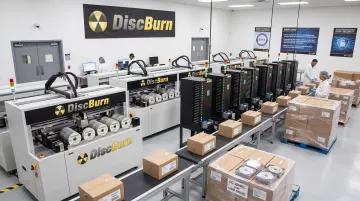
DiscBurn covers this last stretch of the digitization pipeline. Serialized disc printing, for example, lets compliance teams and corporate trainers put training content on individually identifiable discs, so you can track which copy went where.
Pricing runs under a dollar per disc for standard runs, with photorealistic thermal printing for clear, professional labeling.
For larger or more sensitive distribution needs:
- Custom USB duplication with offline MD5-verified loading in an air-gapped environment (100-unit minimum; 24-hour rush available)
- Flash card duplication for SD, Micro SD, and Compact Flash from about $15 per card, including labeling and data loading
- REACH/RoHS-compliant NAND sourcing when you need documented compliance on the hardware, not just the data
Orders scale from a handful of discs to 10 million-plus, shipped worldwide from DiscBurn's Minneapolis facility. That range fits a single church distributing sermon recordings and a hospital system rolling out annual compliance training to thousands of staff.
Frequently Asked Questions
Is it legal to digitize vinyl records?
Digitizing vinyl for personal backup or archival use is generally permitted under a narrow U.S. consumer-use exception in copyright law. Distributing or publishing those files without permission usually falls outside that exception.
Why don't archivists digitize everything?
Cost, quality-control workload, and technology obsolescence make selective digitization the more sustainable path. Prioritizing by access frequency and legal risk delivers better returns than scanning indiscriminately.
What's the difference between digitization and digitalization?
Digitization converts a physical format into a digital file. Digitalization uses that digital data to change business processes and workflows—the first is a technical step, the second an operational one.
Can digitized documents legally replace paper originals?
Under U.S. laws like ESIGN, electronic records generally can't be denied legal effect just because they're digital. Rules still vary by document type and state, so confirm retention requirements before destroying originals.
What equipment is needed to digitize documents and records?
Equipment ranges from multifunction printers and mobile scanning apps for small jobs to dedicated production scanners for high-volume work. Audio, video, and photo media need specialized gear separate from document scanners.
How long does a digitization project typically take?
Timelines depend on volume, document condition, and whether OCR or indexing is required. Small batches can take days, while large institutional archives can stretch into months.