Every organization eventually hits the same wall: analog and raw digital content piling up faster than anyone can manage it.
Two terms get thrown around interchangeably in these conversations, and that's part of the confusion. "Digital media" and "digitization" sound like synonyms. They aren't.
Digital media describes the content itself, text, images, audio, video, and interactive files. Digitization is the conversion process that turns physical or analog originals into those digital formats. Mixing up the two makes it harder to plan a project, set a budget, or hire the right vendor.
This guide breaks down both halves: the types of digital media, how digitization actually works, the technology behind it, and what to look for in a digitization and duplication partner that can handle your volume.
Key Takeaways
- Five core formats make up digital media: text, image, audio, video, and software/interactive content
- Digitization turns analog media and raw files into standardized formats you can search, copy, and archive
- Scanners, ADCs, OCR software, and disc mastering equipment handle most conversion work
- Digitized files beat physical originals on searchability, portability, and long-term preservation
- A capable duplication partner scales from small test runs to millions of units without quality loss
What Is Digital Media?
Digital media is any content—text, image, audio, video, or interactive file—created, stored, and shared using digital technology rather than physical or analog formats. Think a PDF instead of a printed binder, an MP4 instead of a VHS tape, or a podcast instead of a cassette.
For organizations managing training libraries, marketing assets, or decades of archival material, this distinction isn't academic. It shapes how content is stored, searched, backed up, and reproduced for distribution.
That might mean a compliance course pushed to a training portal—or a church sermon archive loaded onto USB drives for members without reliable internet.
The Five Main Types of Digital Media
- Text-based media: e-books, PDFs, digital documents, and website copy
- Image-based media: digital photos, graphics, and scanned artwork
- Audio media: podcasts, digital music files, and voiceovers
- Video media: online videos, training modules, and recorded events
- Software and interactive media: apps, websites, video games, and AI-driven content
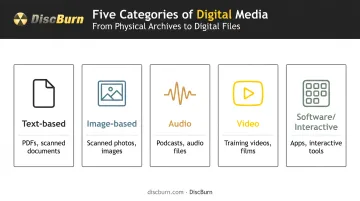
Most real projects blend more than one type. A corporate training module usually combines video, text overlays, and audio narration into a single interactive file rather than one category alone.
Owned, Paid, and Earned Digital Media
Digitizing a file is only half the job—you still need a plan for where it lives and how people get it. Organizations usually sort distribution into three ownership models:
- Owned media: Content a company controls outright—its website, blog, email list, and social accounts
- Paid media: Promotional placements a company pays for, such as search ads or sponsored posts
- Earned media: Exposure a company doesn't control or pay for, including reviews, press coverage, and word of mouth
This framework, outlined by Harvard Business School Online, helps teams decide where digitized content should live—for example, a training video on an owned learning portal versus a clip promoted through paid ads.
What Is Digitization?
Digitization is the process of converting analog information—sound, images, physical documents, or aging media—into a standardized digital format you can store, search, and share.
That's different from digital media itself. Digital media is the result. Digitization is the process used to get there.
A few concrete examples:
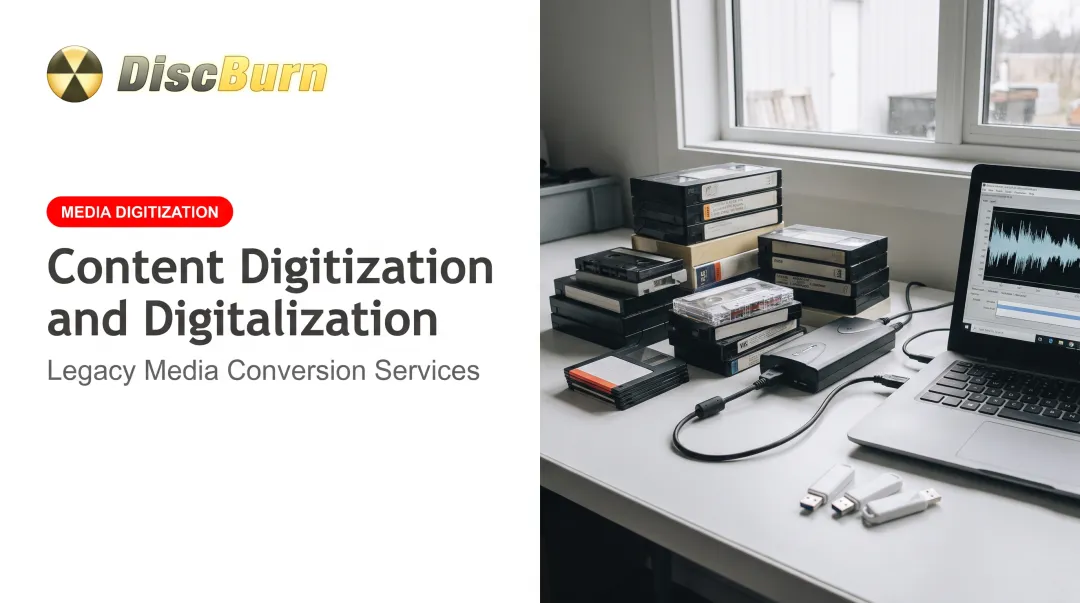
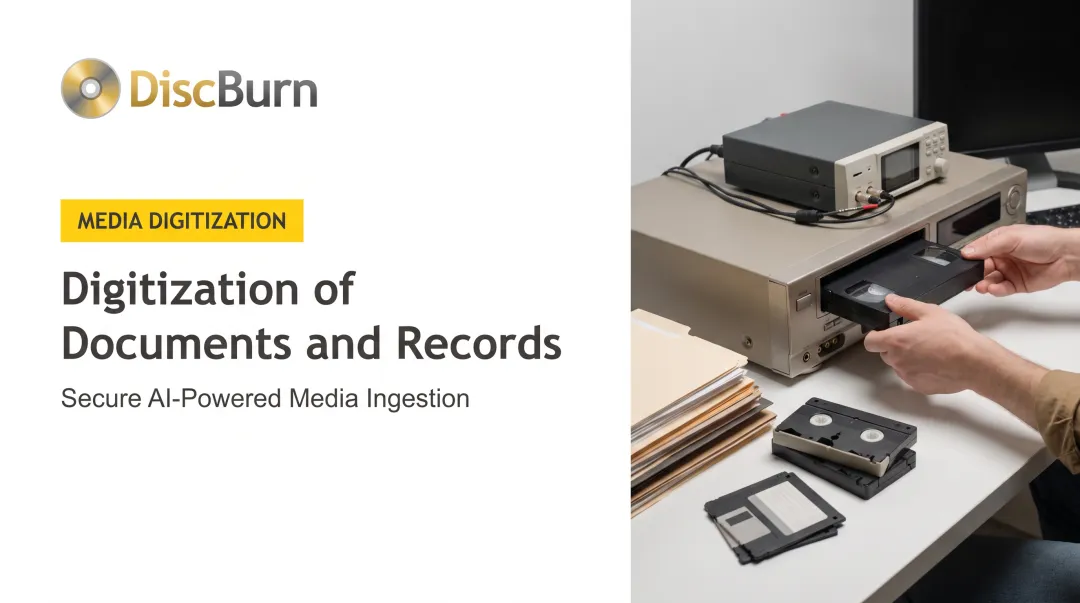
- Converting a VHS training tape into an MP4 file so staff can stream it instead of hunting for a VCR
- Scanning a printed training manual into a searchable PDF that employees can find with a keyword search
- **Mastering a corporate presentation or compliance course** into a digital file ready for disc or USB replication and distribution to field offices
That third path is common for B2B teams. After source files are digitized, DiscBurn loads them onto serialized discs or custom USB drives for company-wide training and compliance rollouts.
Why does this matter beyond convenience? Digitized files are faster to share, easier to back up, and simpler to keep compliant with recordkeeping requirements. Try citing page 47 of a physical training binder during an audit versus pulling up a searchable PDF.
There's also a clock running on the alternative. The International Association of Sound and Audiovisual Archives has flagged magnetic tape formats as effectively obsolete. Its research estimates that routine transfer of magnetic tape content will largely become impossible after 2025 as playback equipment and spare parts disappear.
VHS decks stopped being manufactured back in 2016. Floppy disk drives are nearly as rare. Waiting isn't a strategy.
Technologies Commonly Used in Digitization
Digitization isn't one tool doing one job. It's a stack of specialized technologies, each handling a different type of source material.
- Scanners and digital cameras convert photos, printed documents, and artwork into digital image files used in most document and photo digitization projects
- Analog-to-digital converters (ADCs) sample audio and video signals from tapes at set intervals and assign each sample a digital value, turning a cassette or VHS into a playable file
- OCR (Optical Character Recognition) software turns scanned text into editable, searchable documents instead of a static image of a page
- Cloud storage and compression tools organize and transmit digitized files efficiently once conversion is complete
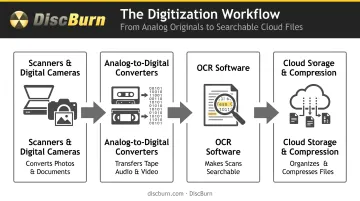
Physical production adds another layer entirely. This is where mastering and printing technology come in, and it's where quality really separates providers.
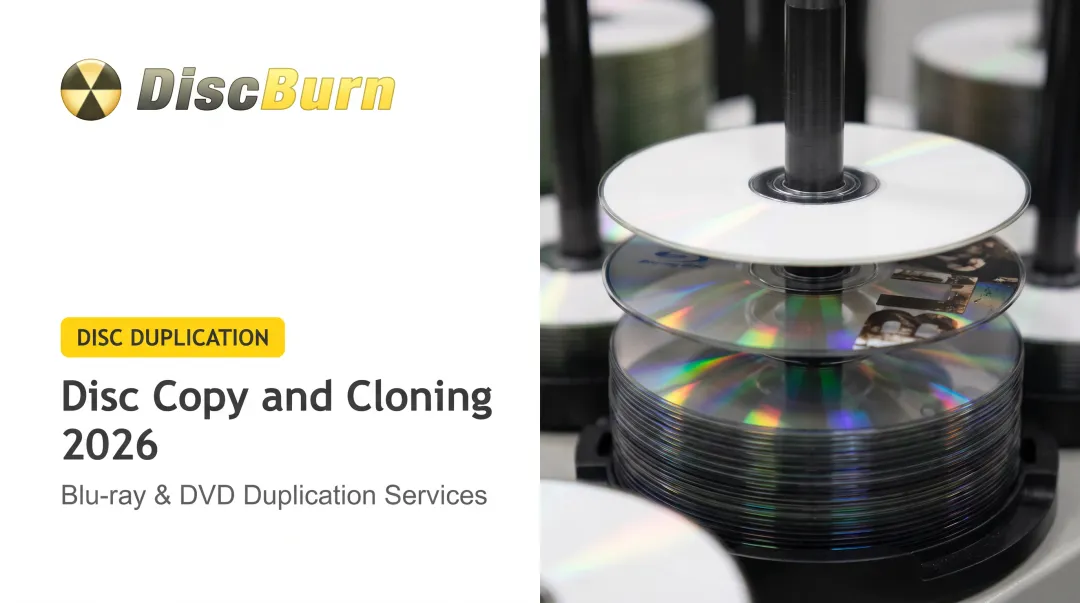
DiscBurn, for instance, uses Rimage Everest photorealistic thermal printing at 170 lpi for disc duplication runs. For replication projects, it switches to offset printing at 175 lpi or silk-screen printing at 120 lpi, both with Pantone color matching for exact brand color reproduction. That's the difference between a disc that looks like a home burn and one that looks retail-ready on a shelf.
For everyday delivery, digitized files don't have to land on a disc at all. DiscBurn's CD ripping service, for example, can load converted audio and photo content straight onto a flash drive, alongside more traditional disc outputs.
Why Digitize Your Media: Key Benefits for Organizations
Digitizing content isn't just about staying current. It solves three practical problems that physical formats can't.
Accessibility and searchability. A digitized archive can be indexed, searched by keyword, and shared instantly across a team. A filing cabinet cannot.
Space savings and preservation. Every year a VHS tape or cassette sits in storage, it degrades a little more. Digitizing removes that dependency on fragile physical media and protects content from further decay.
Easier compliance and distribution. Physical formats haven't disappeared; they've become one distribution channel among several. U.S. spending on physical video formats fell less than 10% during full-year 2025, according to DEG: The Digital Entertainment Group.
Many organizations still rely on discs and drives for training, compliance, and audiences without reliable streaming access. Digitizing the master makes those channels faster to fill and easier to update.
In practice, that means the smartest workflow isn't "digital only." It's digitize the master, then decide format by format how to distribute it.
Choosing the Right Digitization and Duplication Partner
Not every provider that offers digitization also handles what comes next: mastering, duplication, and physical production. That gap creates real friction if your content needs to end up on a disc, USB drive, or SD card for distribution.
When you compare partners, weigh a few practical factors:
- Digitization and duplication under one roof, so training video or archived footage goes from raw file to shippable product without switching vendors
- Capacity for both small runs and large orders when volume swings between projects
- Experience with your industry’s packaging and compliance requirements
A church distributing sermon archives needs different packaging than a hospital managing compliance training. DiscBurn, based in Minneapolis, MN, handles both ends of that spectrum. Orders run from as few as 10 units up to 10 million, with standard turnaround of 3-5 business days for discs and 24-hour turnaround for custom USB drives, shipping worldwide. Clients have included:
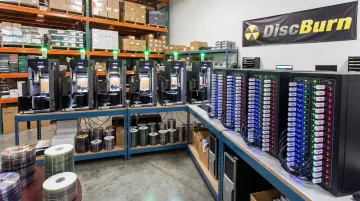
- Schools needing bulk disc runs for classroom or administrative use
- Churches distributing digitized sermon and event footage
- Healthcare organizations requiring accurate, compliant media handling
- Corporate trainers using serialized disc printing to track compliance programs
Packaging flexibility supports those different use cases. Options range from simple paper sleeves to jewel cases, clamshells, and multi-disc Blu-ray cases holding up to nine discs, plus custom inserts and Pantone-matched printing for a retail-ready finish.
Frequently Asked Questions
What are the five main types of digital media?
Text, image, audio, video, and software/interactive media. Each can stand alone or combine into multimedia content, such as a training video that includes narration, text overlays, and interactive quizzes.
What is an example of digitization?
Converting a printed training manual into a searchable PDF, or transferring a VHS recording into a digital video file for corporate distribution. Both take analog or paper originals and produce a usable digital file.
Which technology is commonly used in digitization?
Scanners, digital cameras, analog-to-digital converters, and OCR software handle most conversion work. Disc mastering and printing equipment come in afterward, when digitized content needs to be produced as physical media.
What is the difference between digital media and digitization?
Digital media refers to the content types themselves: text, image, audio, video, and software. Digitization is the process used to create that digital content from analog or physical sources.
How long does the digitization process typically take?
Timelines vary by volume and format. Standard turnaround is often 3–7 business days, with same-day or 24-hour rush options available for urgent USB and disc projects.
Can digitized files be converted back into physical formats like discs or USB drives?
Yes. Digitized files are commonly mastered and duplicated onto CDs, DVDs, Blu-ray discs, or custom USB drives for training, archival, or distribution.