Introduction
Somewhere in your building, there's probably a box of cassette tapes, a filing cabinet of paper training manuals, or a stack of old CDs nobody has opened in years. Schools, churches, hospitals, and small businesses all sit on decades of physical content that's slowly degrading and getting harder to access.
The scale is bigger than most people realize. The National Archives alone holds more than 520,400 film reels and 312,066 sound recordings in its motion picture and sound collections, and that's just one institution.
According to IDC, worldwide digital transformation spending will hit nearly $3.9 trillion by 2027, growing at a 16.1% annual rate.
This article breaks down digitization versus digitalization, walks through the actual conversion process, covers the real benefits, and explains what to do once your content is finally digital.
Key Takeaways
- Digitization converts analog content to digital files; digitalization uses those files to transform workflows and processes
- Accessibility, security, and compliance improve once content is digitized, while storage and printing costs drop
- A clear path runs through gathering, converting, tagging, and securely storing materials
- Many organizations still need physical, portable copies for training, compliance, or offline distribution
- Partnering with a mastering and duplication specialist turns digitized files into real-world, distributable products
What Is Content Digitization? (And How Is It Different from Digitalization?)
Content digitization is the process of converting physical or analog materials—documents, photos, audio, video—into digital files that can be stored, edited, and shared electronically. Scan a paper manual, and you've digitized it. That's the whole job: one format becomes another.
Digitalization is different. It's the organization-wide adoption of digital tools and workflows built on top of that digitized content. The OECD defines it as the use of digital technologies and data that creates new activities or reshapes existing ones. Digitization is a single technical step; digitalization is a broader operational shift.
Here's the distinction in practice:
- Digitization: Scanning a paper training manual into a PDF
- Digitalization: Building an entire e-learning platform around that scanned content, complete with tracking, quizzes, and completion certificates
Both feed into what's often called digital transformation—the long-term, organization-wide impact of moving from analog to digital operations.
Types of Content Organizations Commonly Digitize
Most organizations are digitizing a mix of the following:
- Paperwork, records, and legal documents
- Photos and original artwork
- Audio recordings (cassettes, vinyl, sermon tapes)
- Video and film reels
- ID cards, microfiche, and archival records
Paper and analog formats are stickier than most people assume. A 2026 BMJ report found only 21% of NHS trusts in England had fully paperless clinical notes systems. The same pattern shows up across US industries: most organizations still lean on physical records for daily operations.
Once content is digitized, a second question comes up fast: how do you actually distribute or archive it in a durable, shareable form? That's where a lot of digitization projects stall out.
How Does Content Digitization Work? A Step-by-Step Process
Digitization isn't just "scan it and done." It's a sequence, and skipping steps usually means redoing work later.
- Gather and audit. Collect and inventory everything that needs converting. Prioritize by fragility first—cassette tapes and old film reels degrade faster than paper—and by urgency second.
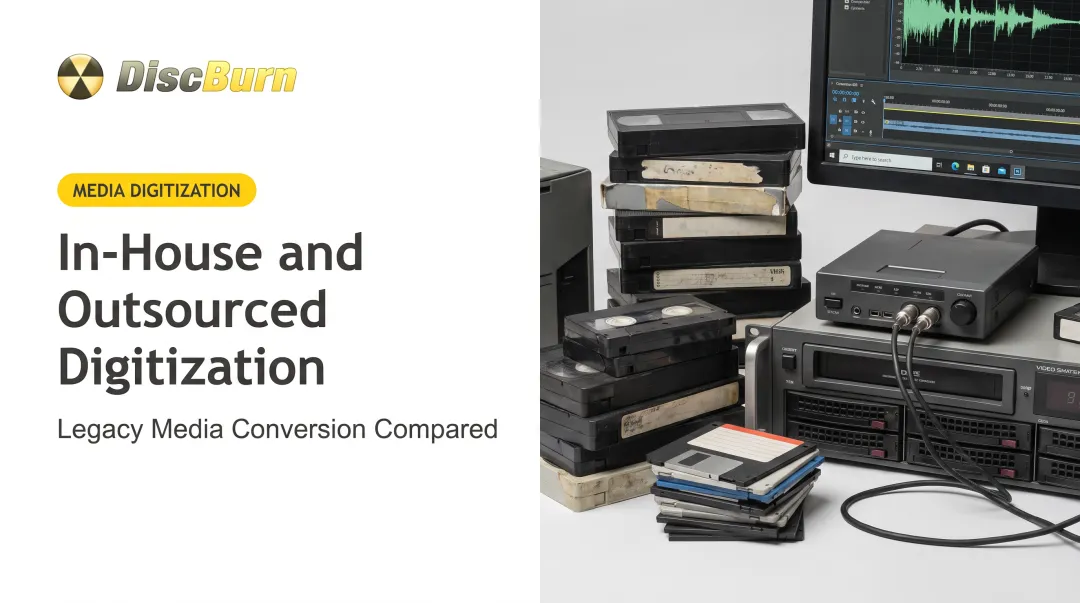
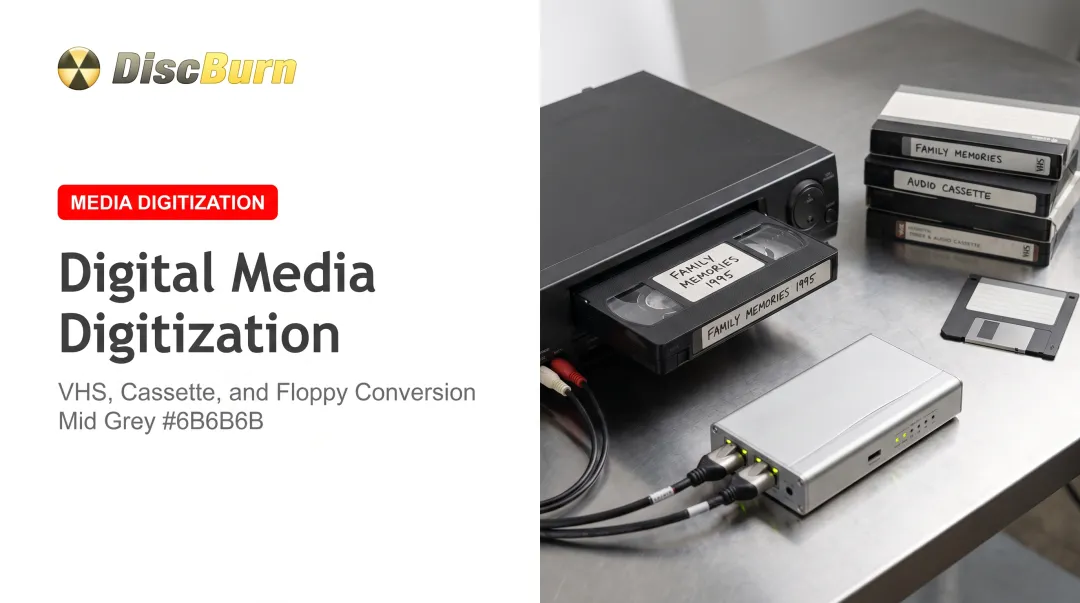
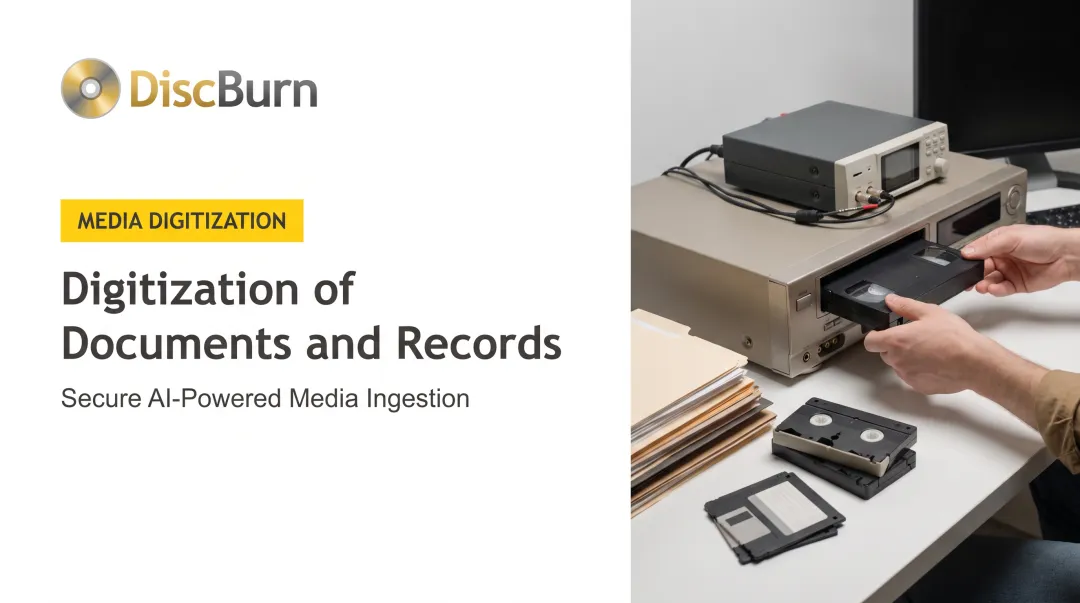
- Choose the right capture method. Documents and photos need scanning. Tapes, film reels, and video require professional audio/video capture and mastering equipment, not consumer-grade gear.
- Convert and enhance. Apply OCR to text documents so they become searchable. For legacy audio and video, this step often includes restoration or mastering to clean up degraded signal quality.
- Tag and index. Add metadata—names, dates, categories—so digitized files can actually be found later. A folder of 10,000 unlabeled files isn't much better than a box of unlabeled tapes.
- Store and back up. Save master files to secure cloud or server storage. This becomes the foundation for both future digital use and any physical distribution needs later.
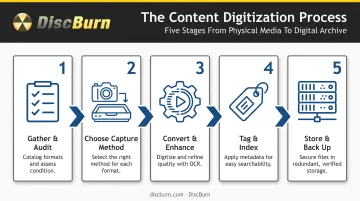
How long all five steps take depends on the project. FADGI's federal digitization guidelines treat digitization as an end-to-end process, not just capture time.
A small batch of documents might take hours. Washington University's project digitizing more than 1,400 lecture recordings from nearly 700 reels and 800 cassettes took a full year. Volume, condition, and output quality all shift the timeline.
Key Benefits of Digitizing Your Content
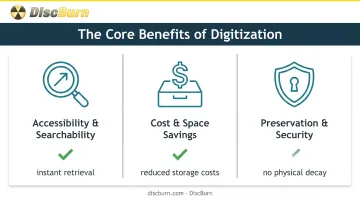
The reasons organizations digitize content boil down to three practical wins.
Accessibility and Searchability
Digital files can be found, shared, and edited instantly—unlike physical archives. The National Library of Medicine's digital collection gives users direct access to films and video recordings spanning the 1920s through 2009, plus more than 70,000 images. That same content would otherwise mean locating and threading old film reels by hand.
Cost and Space Savings
Printing, physical storage, and material handling costs add up over years. According to a joint OMB and NARA memo, the federal government reported spending hundreds of millions of taxpayer dollars annually creating, storing, and managing analog records.
Digitization doesn't eliminate cost, but it changes what you pay for: storage servers instead of filing cabinets and climate-controlled tape vaults.
Preservation and Security
Physical media degrades. Tape stretches, film warps, paper yellows. The Library of Congress notes that magnetic tape and optical discs carry inherent chemical instabilities and need careful environmental control to last.
Digital masters don't remove every risk. NIST now treats USB drives and portable storage as items that need their own cybersecurity controls. What they do remove is the threat of physical decay.
One caution: digitization changes your risk profile; it doesn't erase it. A digital master still needs backup copies and secure handling.
What to Do After Digitizing: Preserving and Distributing Your Content
Here's the part a lot of digitization guides skip. Digitization creates a master digital file. But schools, churches, healthcare providers, and corporate compliance teams almost always need durable, portable, physical copies too.
Real scenarios where physical distribution still matters:
- Compliance training that requires proof of completion for audit trails
- Churches sharing sermon recordings with members who don't have reliable internet
- Hospitals distributing patient education materials in waiting rooms
- Musicians releasing digitized masters as retail-ready albums
DiscBurn handles that next step: content mastering plus CD, DVD, Blu-ray, USB drive, and SD card duplication. Your digitized master becomes a distributable, branded product.
Specific capabilities that matter for this step:
- Serialized disc printing for compliance tracking, so each trainee disc is individually identifiable
- Custom full-color printing on Rimage Everest thermal printers at 170 lpi
- Retail-ready packaging: jewel cases, album sleeves, custom inserts, and multi-disc Blu-ray cases (up to nine discs)
- Scalable orders from 10 units to 10 million-plus discs
- USB drives from 512MB to 128GB, with a 100-unit minimum
- Fast turnaround: 3 to 5 business days for standard disc packages; 24-hour rush on custom USB drives
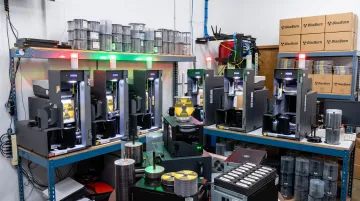
We've handled this exact handoff for organizations like Oaks Church in Eagan, Minnesota, and Ivinson Memorial Hospital, both of whom needed reliable disc production after their content was ready. Digitization gets your content into a usable file. Duplication and mastering get it into people's hands.
Content Digitization Use Cases Across Industries
Different sectors hit this problem in different ways, but the underlying need is the same: convert, then distribute.
- Education: Schools and universities digitize lecture recordings, transcripts, and training content for classroom and remote use. Washington University's Assembly Series project made 1,400-plus historical lectures publicly accessible for the first time.
- Corporate training and compliance: Businesses convert manuals and courses into trackable digital and physical formats. SEC and FDA recordkeeping rules require audit trails and reliable retrieval, which serialized disc programs support directly.
- Healthcare: Hospitals digitize training materials so staff can retrieve current protocols without relying on paper files.
- Religious organizations: Churches digitize sermon archives for members and outreach—Duke Chapel preserved 168 recorded services and lectures.
- Independent musicians and small businesses: Analog recordings and marketing materials become digital files plus duplicated physical media for sale or promotion, much like the regional musicians' tape archives in CLIR's Recordings at Risk program.
Frequently Asked Questions
What is content digitization and how does it differ from digitalization?
Digitization is the technical process of converting analog content, such as tapes or paper, into digital files. Digitalization is the broader adoption of digital tools and workflows built on top of that content across an organization.
What types of content can be digitized?
Common formats include paper documents and records, photographs, audio on cassette or vinyl, video and film reels, and physical records like ID cards or microfiche.
Do I still need physical copies like CDs or USB drives after digitizing my content?
Often, yes. Many organizations still need physical media for compliance tracking, offline distribution to people without internet access, or retail-ready presentation of finished products.
How long does content digitization typically take?
Timelines vary based on volume and content condition, ranging from a few hours for small document batches to several weeks or longer for large archival audio and video projects.
What's the difference between digitization and digital transformation?
Digitization is one technical conversion step. Digital transformation is the long-term, organization-wide strategic shift in how a business or institution operates using digital tools.
What equipment or services are needed to digitize content professionally?
Documents and photos typically need scanning equipment with OCR software. Tapes, film, and legacy recordings require professional audio and video mastering or restoration services, since consumer equipment often can't handle degraded source media.